
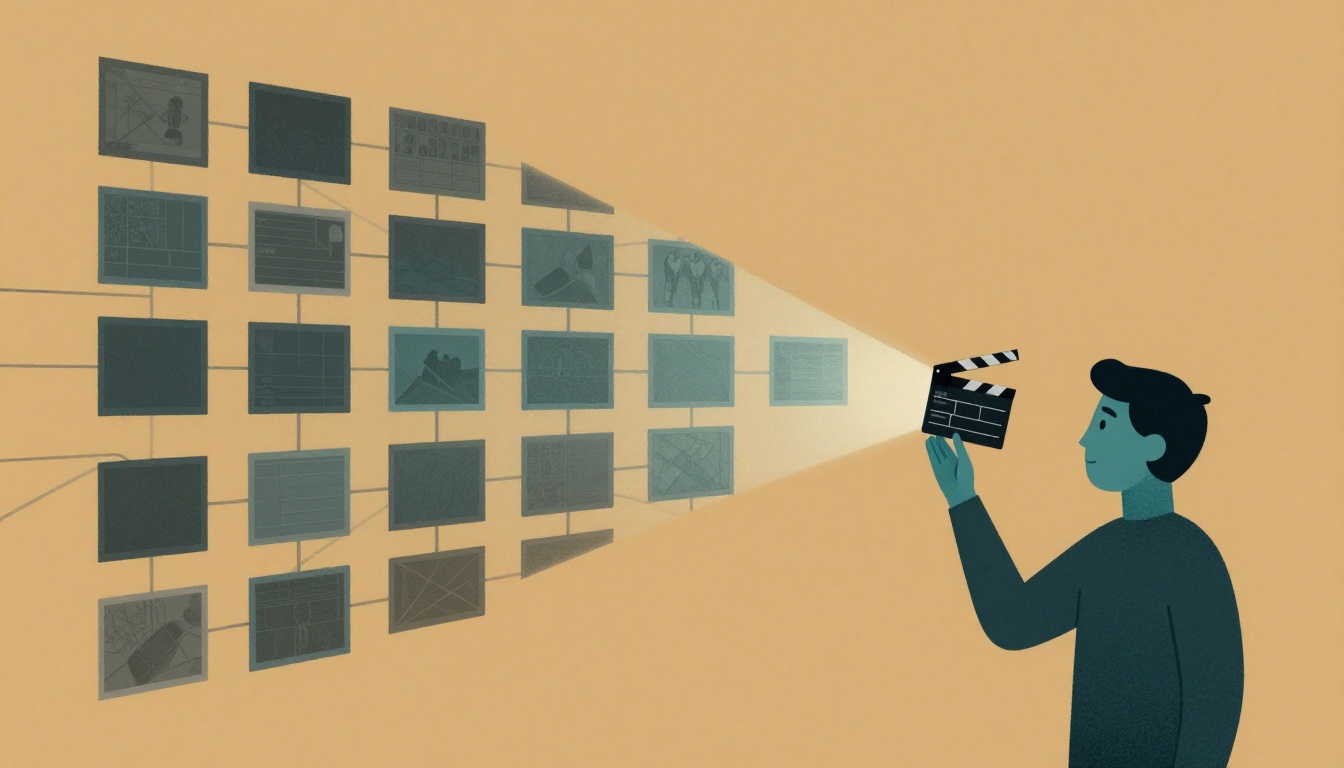
According to the six-part prompt framework, which element should you limit to one per clip to avoid unpredictable results?
Select one answer.
Why your AI clips look fine but don't cut together
If you've generated a folder of clips that each look good but fall apart in the edit, the problem usually isn't the model. It's the brief. Most AI video frustration is a translation problem: you have a clear idea, you write a descriptive prompt, and the output ignores your camera language, drifts on character identity, or changes mood between shots.
The fix is to stop treating prompts as requests and start treating them as director's notes. A prompt should encode a directing decision — what happens, what the viewer should feel, where the camera is looking from, and what the next shot needs — not a pile of adjectives.
Separate the shot plan from the shot
The most reliable production pattern is to plan first, generate second. Don't start by generating the final clip. Start by generating the shot plan, then generate shots against that plan, then assemble. This is the same logic that makes real productions repeatable: you separate "what to shoot" from "how it looks."
A storyboard stops being a static image grid and becomes a control layer. It gives you a set of shots you can generate, curate, and regenerate without rewriting the entire creative direction every time. As one production-minded guide puts it, most AI video frustration is not about realism — it is about translation.
Break the script before you prompt
The biggest failure mode is starting with prompts before the script has been broken down. When that happens, teams burn credits on clips that look fine on their own but fail as a sequence: continuity drifts, coverage gaps appear, and the edit loses clarity.
A lightweight first pass is usually enough. Read the script once for story and again for structure, then mark:
- Scene boundaries
- Major actions and turning points
- Characters present in each scene
- Location changes
- Inserts, props, and wardrobe notes
- Visual beats that must be seen on screen
- Transitions that affect pacing
That first pass can be rough, but it should be consistent. The goal isn't a perfect template — it's a shared system that supports planning, review, and execution. A strong script breakdown for AI video comes first because it tells you what needs to be shown, in what order, and why each shot exists.
Write prompts as cinematography, not description
Strong prompts share a consistent structure. The widely used six-part framework is Subject + Action + Setting + Camera + Lighting + Style. Front-load the first 20–30 words with your most important details, because models weight those heavily.
Compare the two:
- Amateur: "A woman walking in a garden."
- Professional: "Medium tracking shot of a woman in a flowing red dress walking through a sunlit Victorian garden, camera following from the side, 35mm lens, golden hour lighting, shallow depth of field, gentle camera movement, muted color grading."
The amateur prompt gives the AI too many decisions. Shot type? The AI guesses. Camera movement? Random. Lighting? Whatever the model defaults to. The professional prompt specifies every creative choice that matters, so the AI executes rather than improvises. Luma's prompt framework guide lays out this structure in detail.
Two rules that prevent most wasted generations:
- Use only one camera movement per clip. Multiple moves produce unpredictable results.
- Never ask the model to render readable text or logos. Composite those in post.
Hold continuity across the sequence
When a sequence falls apart, the cause is usually one of three things: shot transitions that don't cut together, object permanence failures (a jacket changes color, a cup switches hands), or mood drift where lighting and performance intensity shift until the scene reads as inconsistent rather than evolving.
None of those are rendering failures. They are directing failures. Manage continuity in three tiers:
- Tier 1 — Character identity: lock the same face across every shot.
- Tier 2 — Props and environment state: track wardrobe, props, and set dressing.
- Tier 3 — Lighting continuity: keep the light direction and color temperature consistent.
A state ledger — a simple running document of what changed and when — keeps everything honest across generations.
A practical briefing checklist
Use this before you spend credits:
- Script broken into scenes, beats, and visual beats
- One dramatic function defined per shot (introduce, reveal, build tension, link scenes)
- Shot size and camera move set for each beat
- One camera movement per clip, no stacking
- Six-part prompt structure applied to every shot
- Most important details in the first 20–30 words
- Character, prop, and lighting continuity tracked in a ledger
- Reference frames locked before video generation
- No readable text or logos requested in-generation
- Iteration tiered: cheap variations first, premium settings for the final render
That last point matters for budget. A 5-10-1 iteration workflow — explore several inexpensive variations, refine the strongest direction, then reserve premium generation settings for the final render — keeps experimentation costs down.
How the Featured Expert Can Help
Parallax Black is a Dallas-based boutique AI video production studio that blends human creative direction with AI-accelerated filmmaking for brand films and social content. Led by visual artist Adam Norton, the studio emphasizes character consistency and professional finishing without traditional overhead costs. If you'd rather hand off the briefing and direction work to a team that already runs this pipeline, you can work with Parallax Black.
Quiz: check your understanding
Before you move on, test whether you've internalized the core rule of briefing AI video tools.