
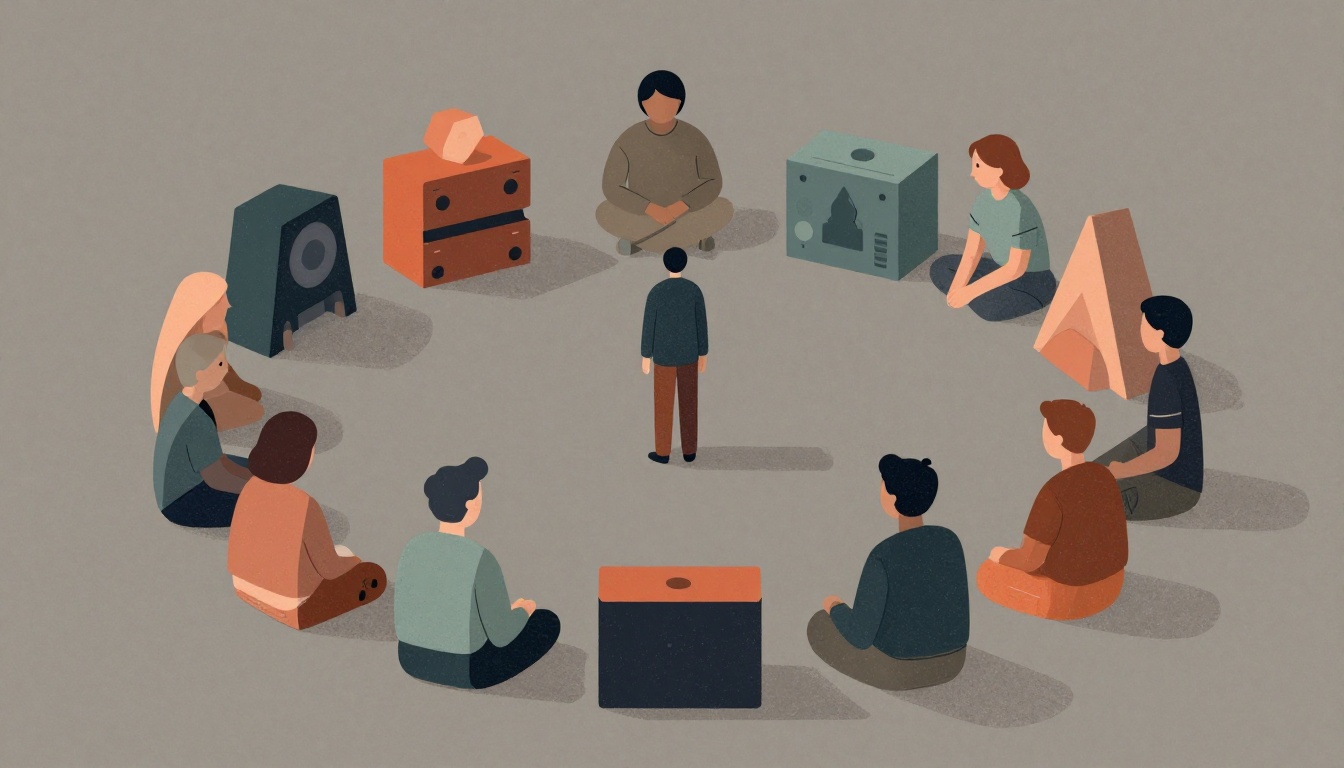
Your AI video toolkit is only as good as its ability to adapt. The tools you rely on today—whether for generation, editing, or asset management—will likely be obsolete in a year. The real risk isn't falling behind on the latest model; it's building a workflow that breaks when your favorite tool updates its API or a new model makes your current pipeline obsolete. To future-proof your toolkit, you need to design for change, not just for today's capabilities.
Which mindset is essential for professional AI video production?
Select one answer.
Start with an ingredients-to-video mindset
The most common mistake is treating AI video as a text-to-video process. You type a script, and a model generates a finished scene. This approach is a dead end for professional work. Instead, adopt an "ingredients-to-video" mindset: the AI video generator is merely the final assembly line, and quality is determined by the raw materials you feed into it before the generation button is ever pressed. Control is established through image generation and storyboarding before motion is applied. If you attempt to generate video directly from text, you lose control over the final output. This principle is echoed by industry experts who emphasize that enterprise-grade AI video requires operational discipline, not just access to AI tools (Ability.ai).
Build a modular, iterative workflow
A future-proof workflow replaces the linear brief-to-publish pipeline with iterative loops—letting teams generate, evaluate, and refine simultaneously rather than waiting on each production stage. This approach is more resilient because it doesn't depend on a single tool's output. Break your project into manageable steps: script, storyboard, generate images, animate, and assemble. Use AI tools for each step, but keep human checkpoints to ensure quality and consistency (LinkedIn Top Content).
Prioritize character consistency and multi-modal input
Character consistency is now table stakes in AI video. Models like Seedance 2.0 accept up to 9 reference images, 3 video clips, and 3 audio tracks simultaneously, synthesizing them into a coherent output. This multi-modal input is replacing the text prompt as the primary way to control generation. Instead of describing what you want, you show the AI what you want—the mood from a photo, the camera movement from a clip, the rhythm from a soundtrack. To future-proof your toolkit, invest in tools that support multi-reference input and maintain character consistency across shots. This ensures your brand's visual identity remains stable even as models evolve (Medium).
Treat AI output as raw material
AI-generated footage should be treated as unfinished raw material, not final product. Refine color, sharpen images, and remove artifacts to meet professional standards before delivery. This post-production step is where human expertise adds value and ensures your output doesn't look "algorithmic." By focusing on professional finishing, you can avoid the generic look that plagues much AI-generated content. This is a key differentiator for studios that blend human creative direction with AI-accelerated pipelines (LinkedIn Top Content).
Lock in your pre-production planning
Proper planning in the pre-production phase prevents costly, last-minute changes and is the best defense against rework. Define the project's core goals, audience, and desired outcome. Lock in the concept, script, and shot list before generating anything. This discipline ensures that your AI tools are used for execution, not for making creative decisions on the fly. A clear brief reduces the risk of wasted generations and keeps your workflow efficient (Iconik).
Actionable steps to future-proof your toolkit
- Adopt an ingredients-to-video approach: Use reference images, style guides, and storyboards as inputs, not just text prompts.
- Build a modular pipeline: Separate script, image generation, animation, and assembly into distinct stages with human checkpoints.
- Invest in multi-modal tools: Choose platforms that accept images, video clips, and audio as inputs, not just text.
- Maintain character consistency: Use reference images and consistent character sheets to ensure brand identity across shots.
- Treat AI output as raw material: Always refine, color-grade, and clean up AI-generated footage before final delivery.
- Lock in pre-production: Define goals, audience, and shot lists before generating to avoid rework.
- Stay flexible: Avoid locking into a single tool; design your workflow so you can swap models as new ones emerge.
The future is convergence
AI video tools are converging toward complete, end-to-end production solutions. This means the distinction between generation, editing, and post-production will blur. To future-proof your toolkit, focus on the principles that remain constant: human creative direction, consistent character design, and professional finishing. The tools will change, but these fundamentals will keep your work relevant and high-quality.
How the Featured Expert Can Help
Navigating the rapidly evolving AI video landscape requires more than just the right tools—it demands a strategic partner who understands both creative direction and technical execution. Parallax Black, a Dallas-based boutique AI video production studio led by visual artist Adam Norton, blends human creative leadership with an AI-accelerated pipeline to deliver cinematic brand films and social content. With 25 years of high-end VFX experience, the studio emphasizes character consistency and professional finishing to avoid the 'algorithmic' look. They offer a personalized, human-directed AI workflow for brands and agencies seeking sophisticated results without traditional overhead costs. To learn more about how they can help you future-proof your AI video strategy, visit Parallax Black.
Quiz
Which mindset is essential for professional AI video production?
- Text-to-video: type a script and get a finished scene
- Ingredients-to-video: control quality through reference images and storyboards
- Drag-and-drop: use templates to generate videos automatically
Correct answer: Ingredients-to-video: control quality through reference images and storyboards