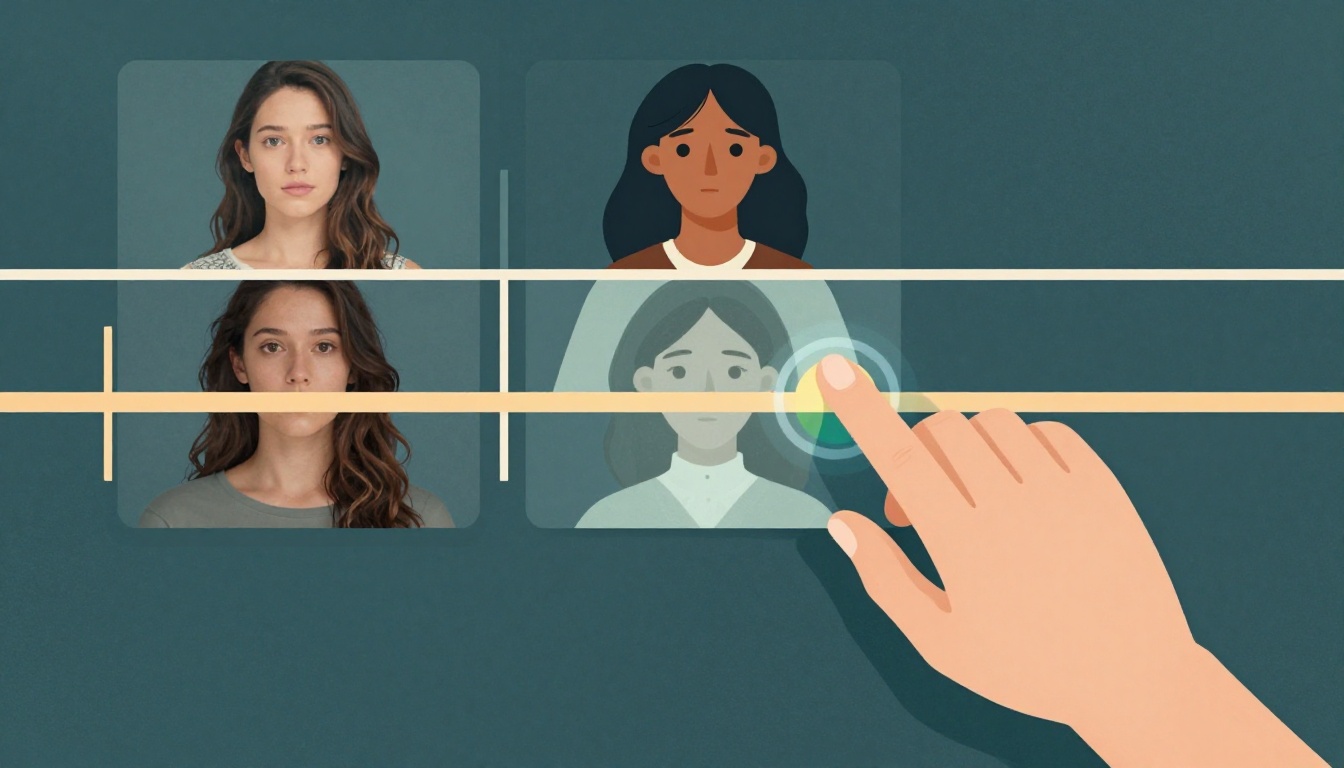
You've spent hours shooting live-action footage. Then you generate AI clips to fill gaps or add visual flair. But when you cut them together, the mismatch is obvious. Different lighting, inconsistent skin tones, and a jarring shift in texture ruin the illusion.
Matching AI-generated footage with live-action scenes is one of the hardest problems in hybrid filmmaking. The good news: it's solvable with a repeatable workflow.
What is the recommended order for compositing and color grading when matching AI footage with live-action scenes?
Select one answer.
Start with a shared color reference
Before you generate a single AI frame, establish a color baseline. Pull a still from your live-action footage and use it as a reference image in your AI tool. This gives the model a target for lighting, contrast, and hue.
Tools like Imagen Video can analyze your footage and apply adaptive color grading across clips from different sources. The goal is to make your AI output look like it was shot on the same camera, at the same time of day.
Fix texture and grain first
AI footage often looks too clean. Live-action footage has natural grain, lens imperfections, and subtle noise. These differences scream "fake" to the viewer.
Apply a matching film grain overlay to your AI clips. Match the grain size and intensity to your live-action footage. Many color grading tools let you add grain per clip. Do this before you move to compositing.
Composite before you grade
Industry best practice is to complete VFX and compositing work before the final color grade. According to a post on Orbitae, working with ungraded footage preserves the wide dynamic range of the original camera files, giving VFX artists more flexibility.
Here's the order:
- Color correct each source individually (exposure, white balance)
- Composite AI elements into the live-action plate
- Apply a unified color grade over the entire timeline
This sequence ensures your AI elements sit naturally in the scene before you lock the final look.
Solve character consistency with inpainting
AI characters often change appearance between shots. This breaks continuity fast.
Use inpainting tools to fix facial features, clothing, and lighting on AI characters. Crop your AI wide shots into medium and close-up frames, then inpaint the character's face to match your reference. This technique, sometimes called the "crop duster" method, lets you reuse a single strong AI image for multiple shot sizes.
Use a LUT as a safety net
Create a custom Look-Up Table (LUT) from your live-action footage. Apply that LUT to your AI clips before you bring them into the timeline. This pre-grade gives you a consistent starting point and reduces the manual tweaking needed later.
How the Resident Expert Can Help
Matching AI footage to live action takes practice, but you don't have to figure it out alone. Parallax Black is a Dallas-based boutique AI video production studio led by visual artist Adam Norton, who brings 25 years of high-end VFX experience to every project. They specialize in blending human creative direction with AI-accelerated pipelines, ensuring character consistency and professional finishing. Whether you need a full hybrid production or just a second opinion on your workflow, their team can help you bridge the gap between generative output and cinematic reality.